Portfolio Health Check
The Portfolio Health Check displays the overview health updates for a portfolio, such as an account information, asset allocation details, investment constraints, and instrument recommendations for a particular Advisory Portfolio.
Below is a detailed description of the user interface of the Portfolio Health screen for the Online Banking and Mobile Native App.
Feature Description
Online Banking: To view detailed information on your Portfolio Health Check, follow these steps:
- On the Portfolio Health section, click Health Check. The Portfolio Health Check screen appears.
- Account Information - This section provides overview information about the selected portfolio, including the Total portfolio Value, the Unrealized P& L, and Today's P& L.
- Asset Allocation - This section displays the asset value in various segments, such as Current Weight and Strategy Weight. It can be extended to more levels.
- Risk Analysis - This section provides information about the portfolio risk.
- Investment Constraints - This section briefs about the investment constraints for an advisory portfolio.
- Recommended Instruments - This section briefs about the recommended instruments for an advisory portfolio.
- View your portfolio health updates, and then click Contact Advisor to contact an advisor.
- You can send a message, chat or directly call the advisory team.
- After taking the necessary action, click Close to close the advisory screen.
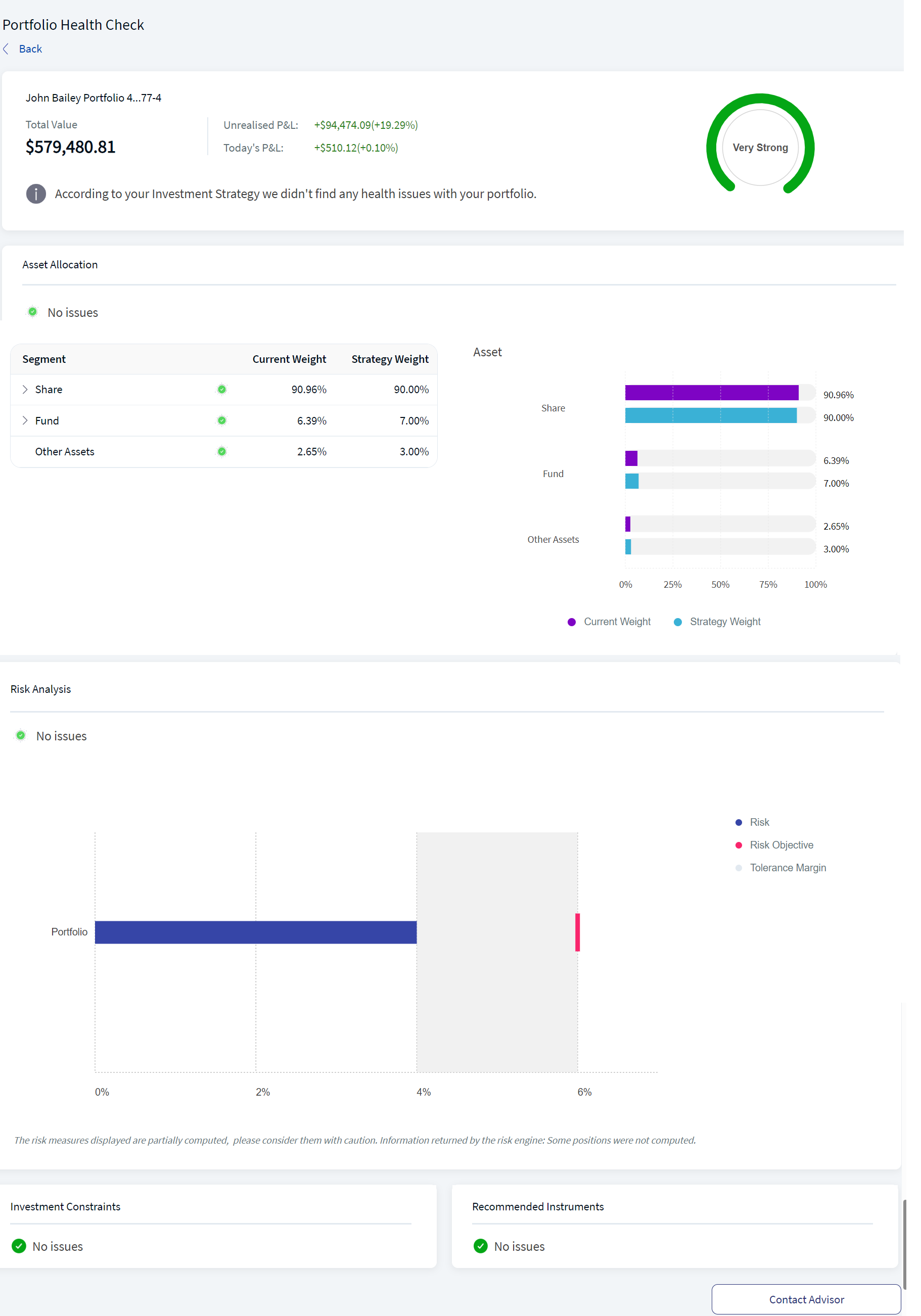
Portfolio Health Check
The Portfolio Health Checkscreen displays the following details:
The Contact Advisor screen appears.
Contact Advisor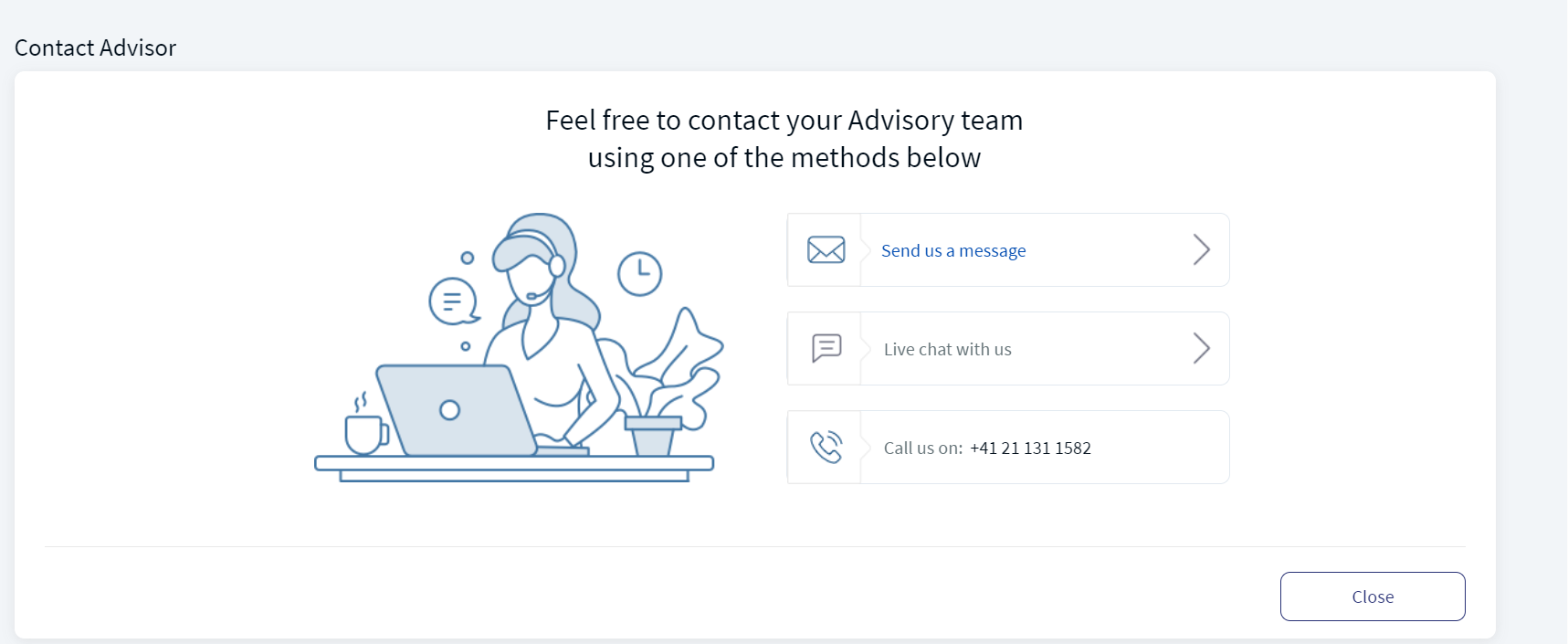
Mobile Native App:To view detailed information on your Portfolio Health Check, follow these steps:
- Under the Advisory tab, go to the Portfolio Health section and click Health Check. The Health Check screen appears, displaying the account information, asset allocation, risk analysis, investment constraints, and recommended instruments details. (Read the Online Banking description for more information on each parameter).
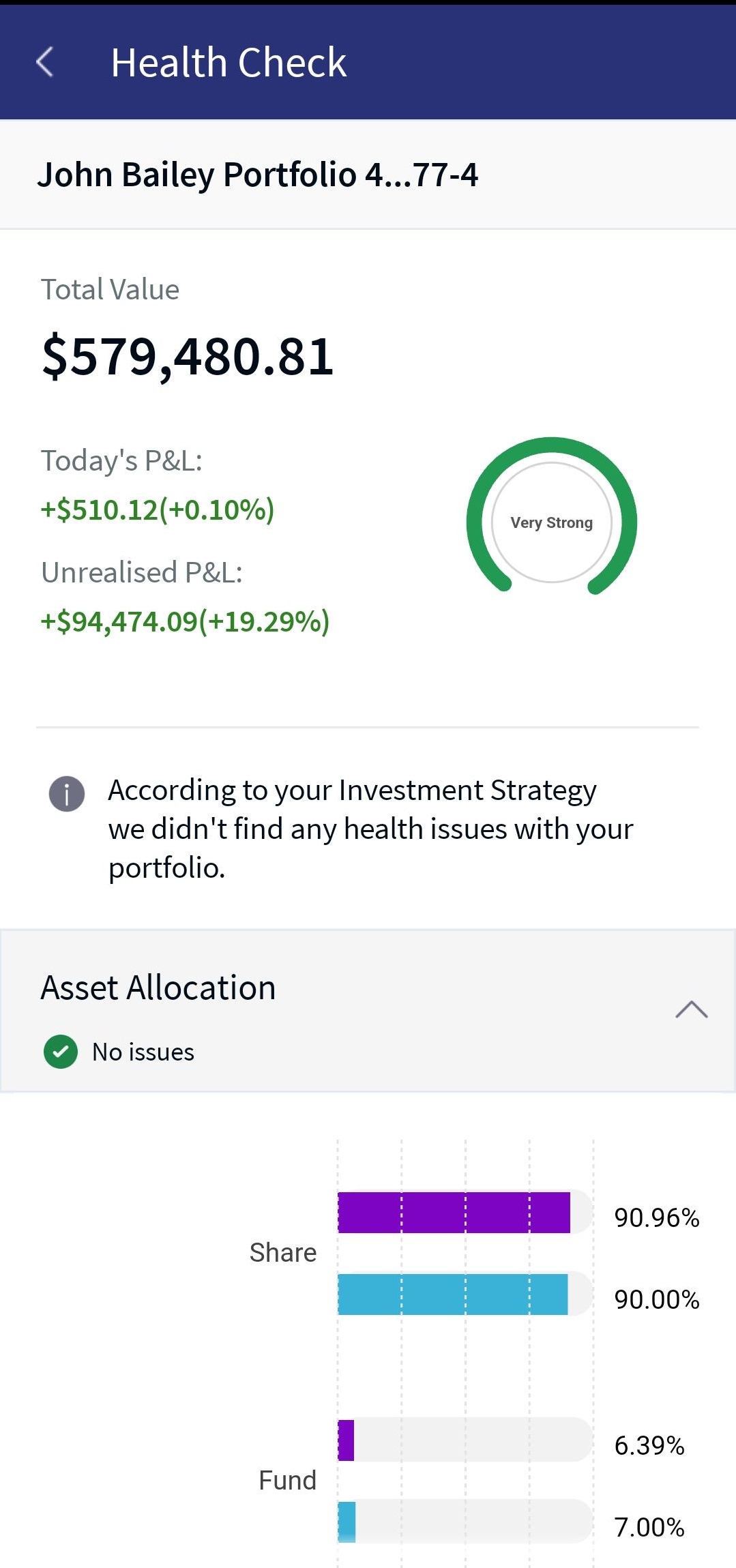
Health Check - Screen 1
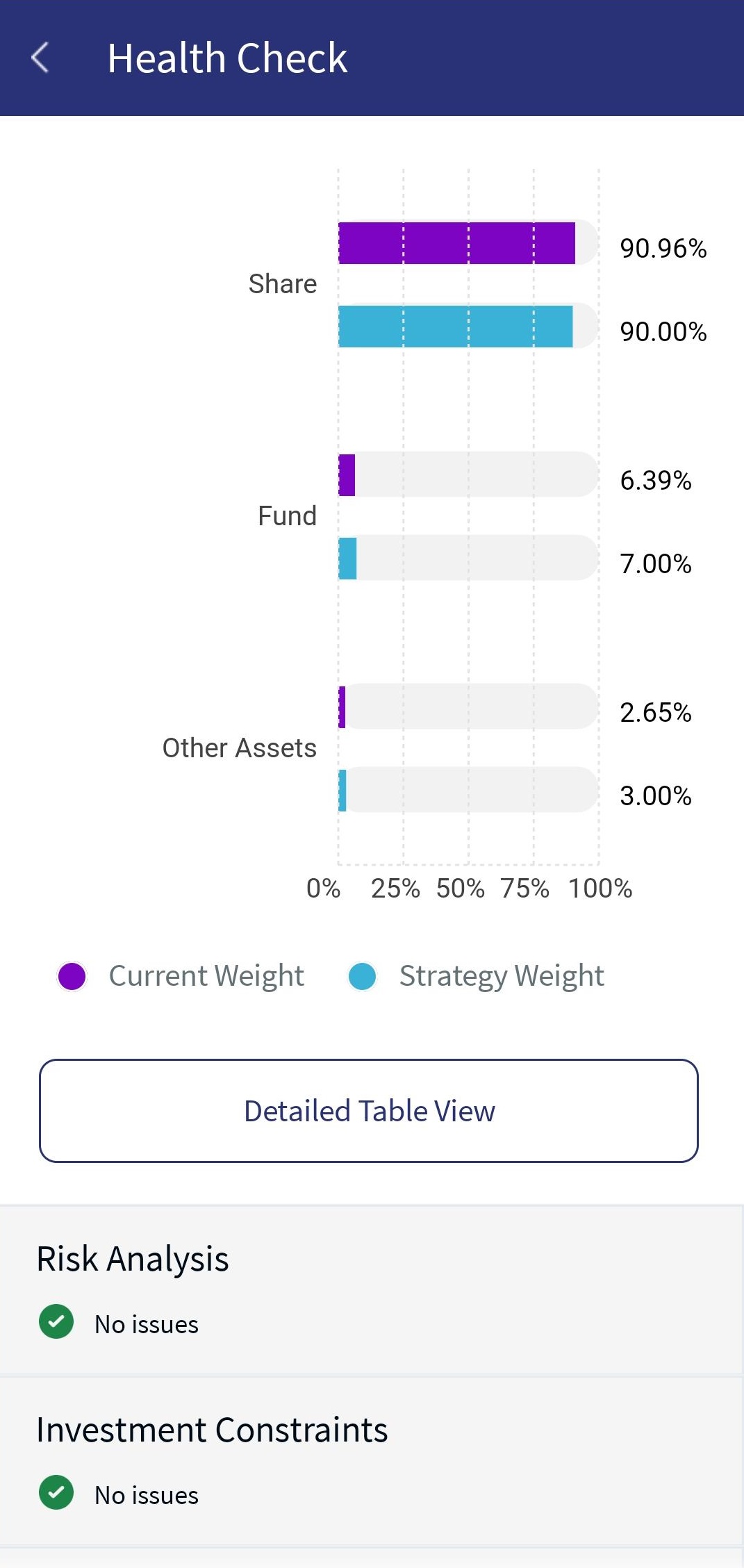
Health Check - Screen 2
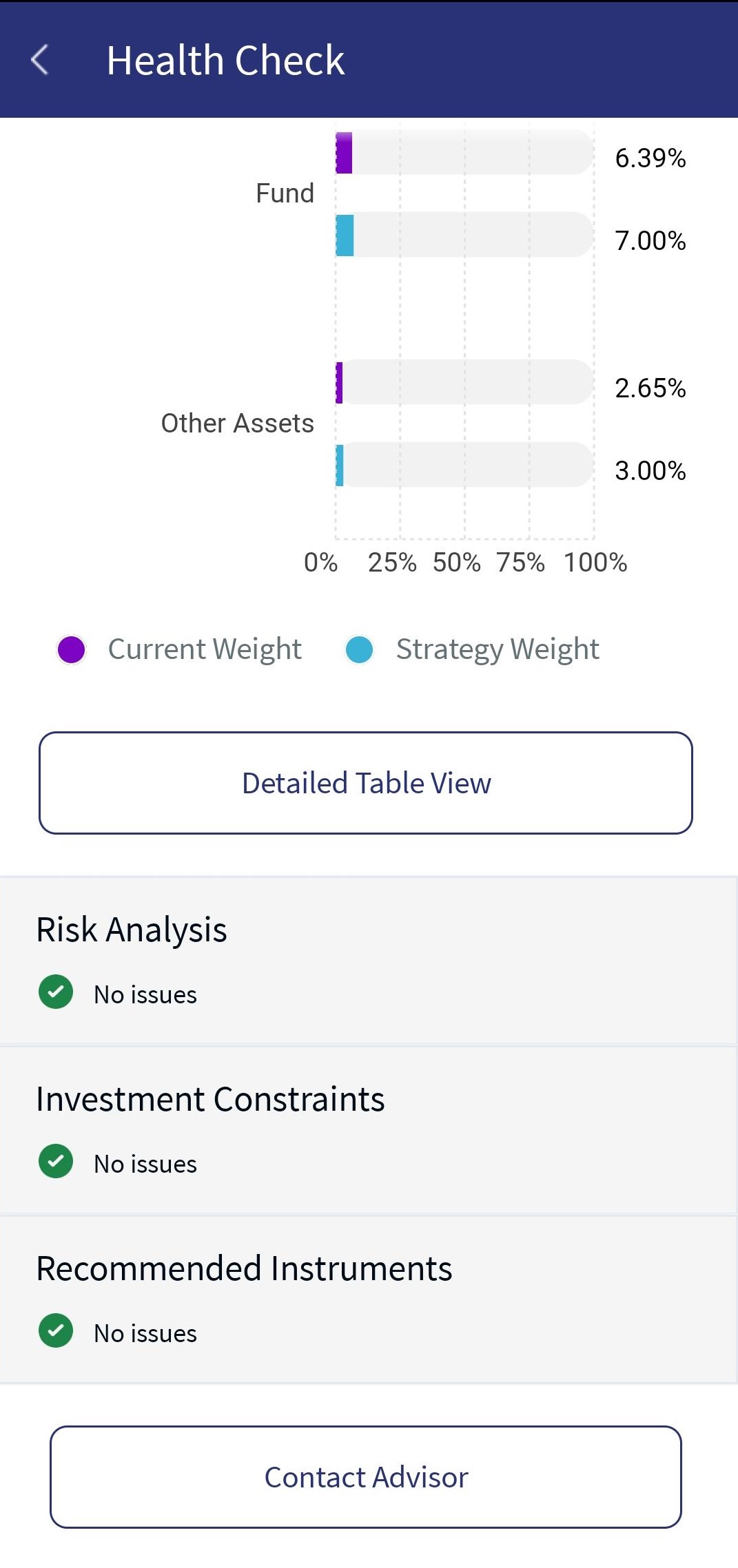
Health Check - Screen 3
- Click Detailed Table View to view your portfolio asset information in a table or graph view.
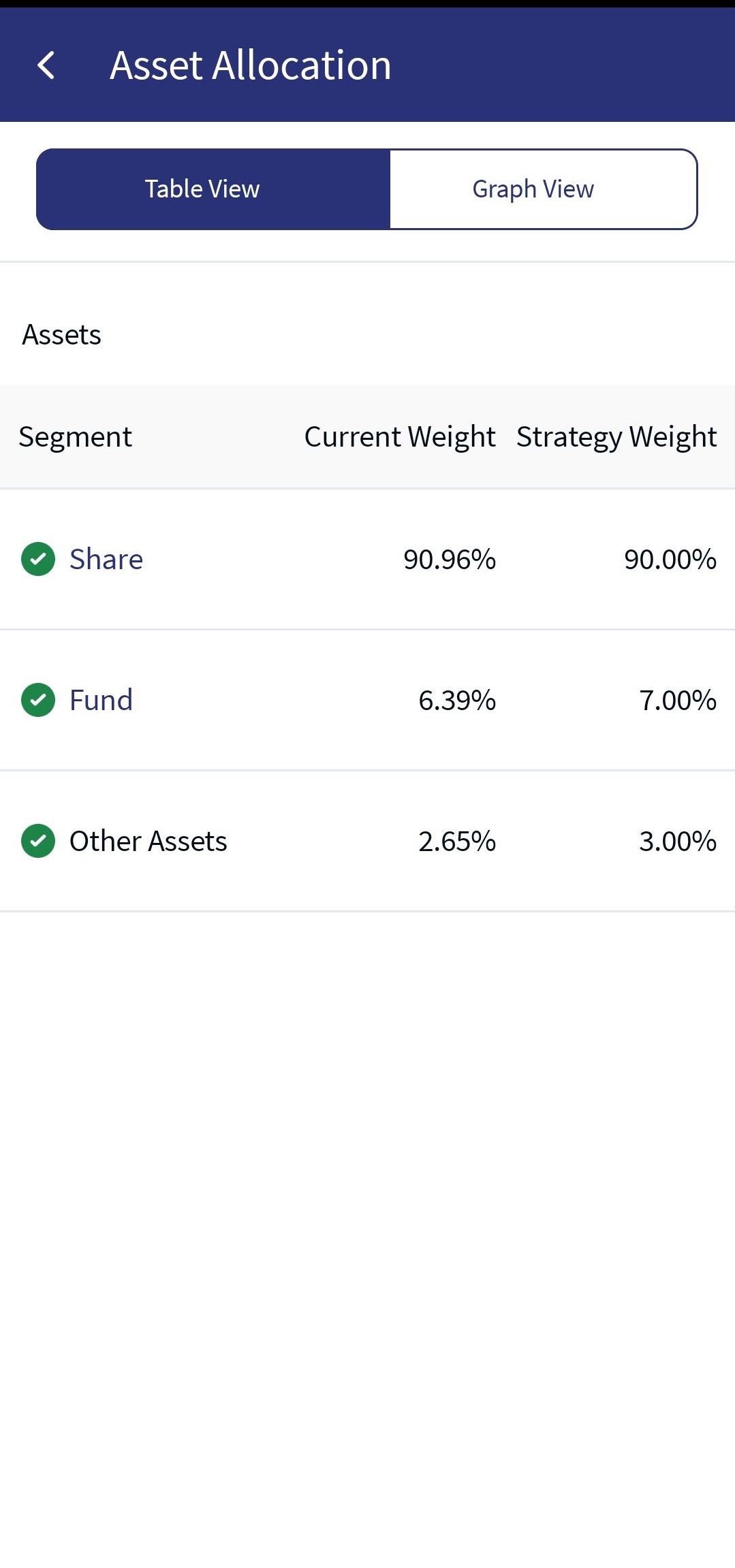
Table View Asset Allocation
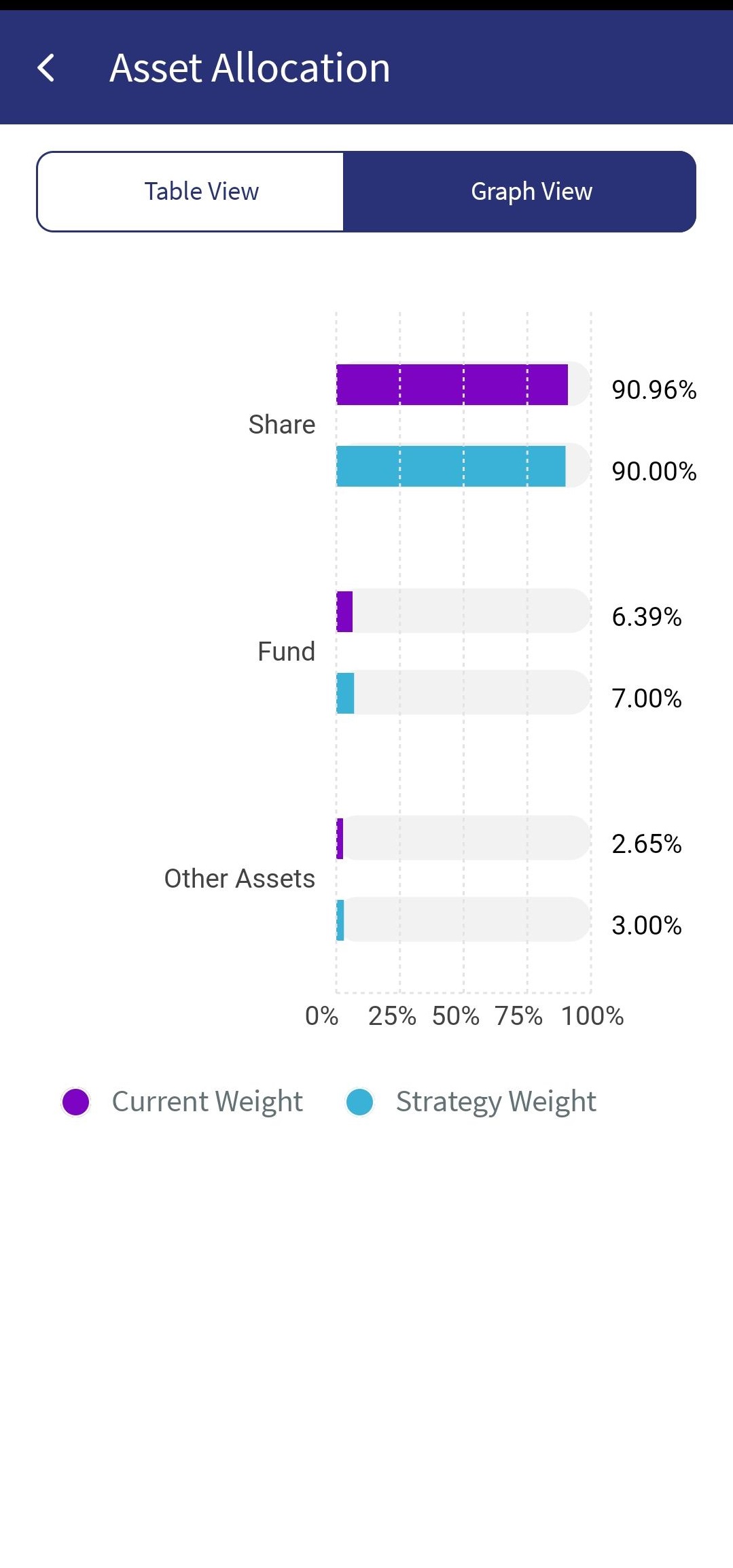
Graph View Asset Allocation
- After you view your portfolio health updates, click Contact Advisor if required.
- Click the left arrow to navigate back to the Health Check screen.
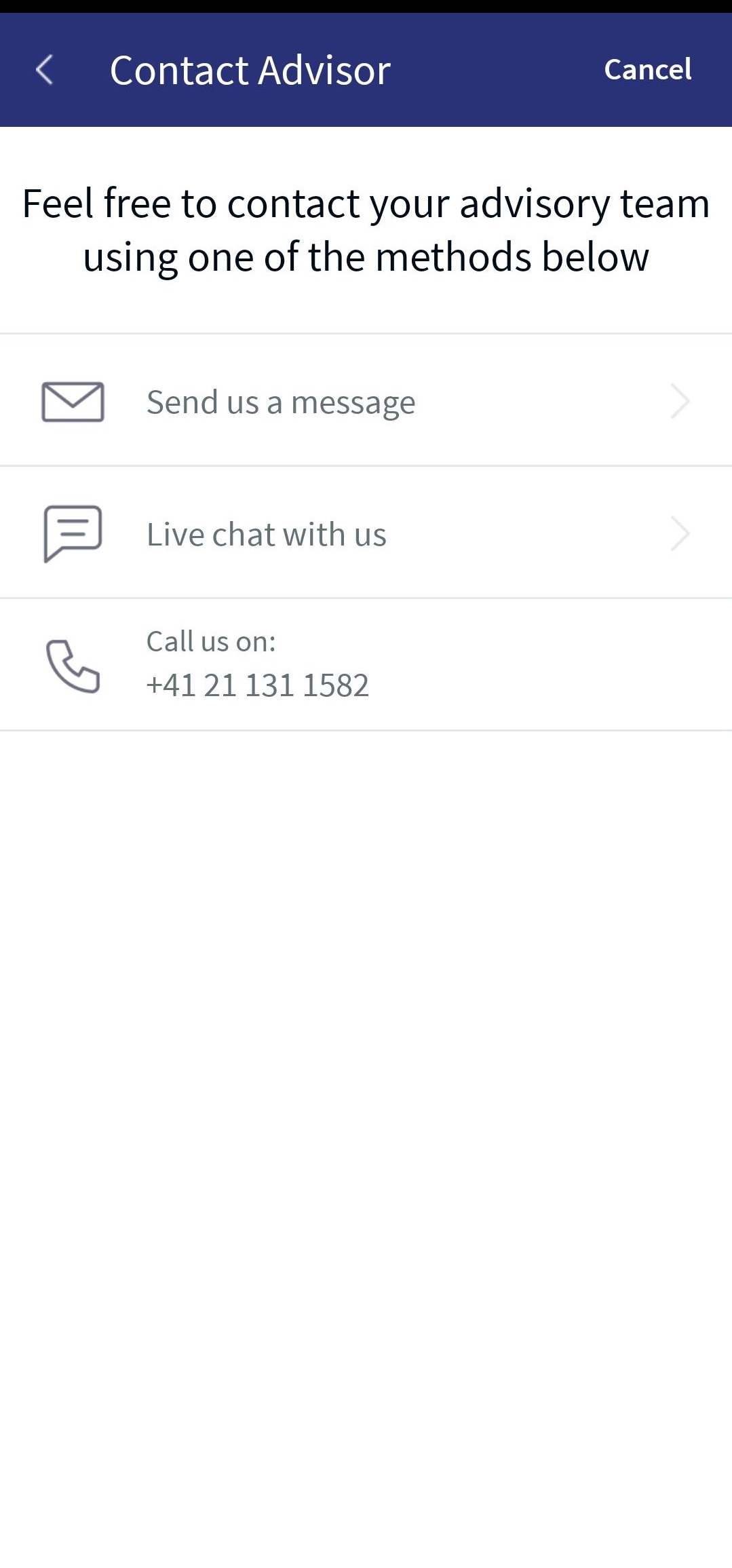
For a detailed description of the 'Contact Advisor' functionality, refer to the above Online Banking section.
Here is the video that provides insight on Portfolio Health Check.
In this topic