Transfer Cash
The Digital Wealth app's transfer cash feature offers a simple and secure way to transfer funds between your linked accounts. In addition, it allows you to view the cash balance in your accounts, which you can use for other transactions.
You can perform transactions such as transferring money from your checking account to your investment account or sending funds to another user or external bank account; this feature offers flexibility and ease.
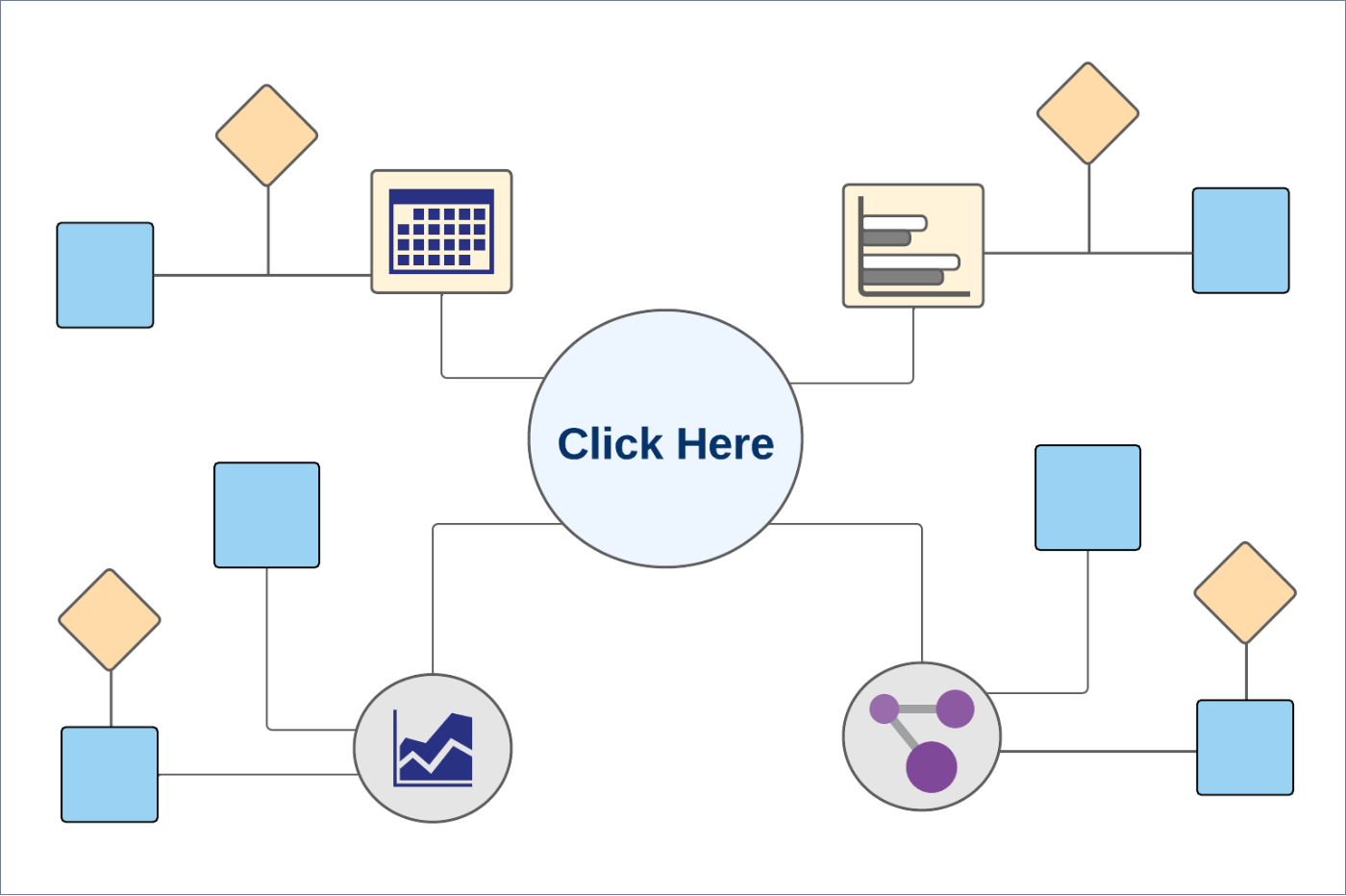
Business Process Diagram - Transfer Cash
Online Banking: To transfer the cash, follow these steps:
- Select the desired portfolio. The Portfolio Details screen appears.
- Click Transfer Cash. The Transfers screen appears.
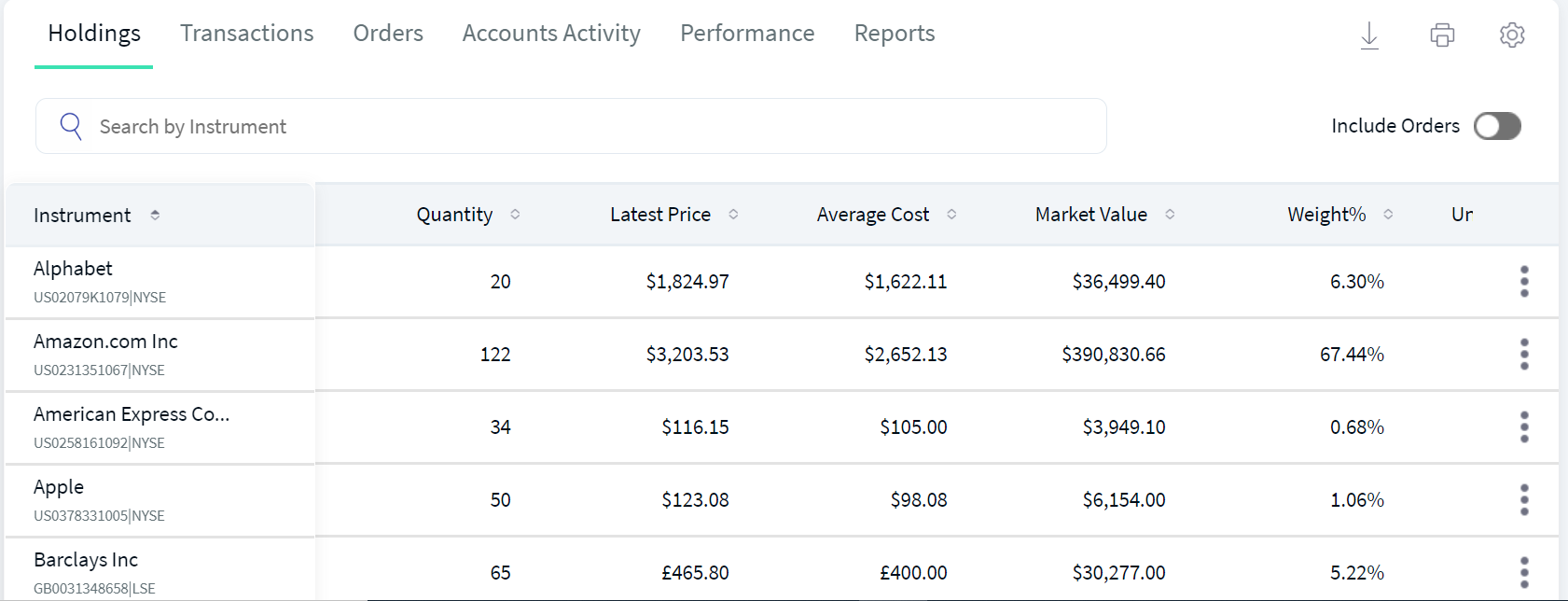
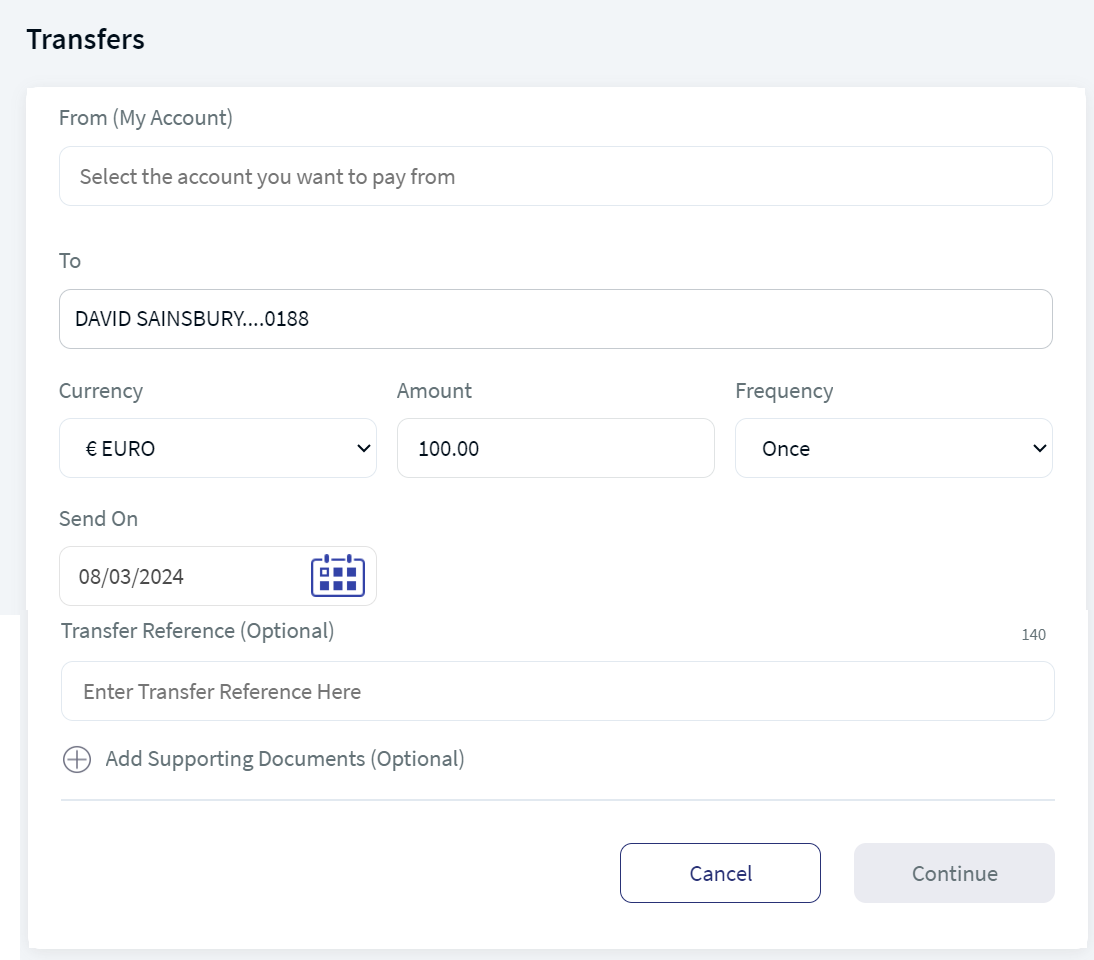
The Transfer Cash flow is the same as the Transfers module flow in Retail Banking. For further steps, refer to the Transfers flow of Retail Banking.
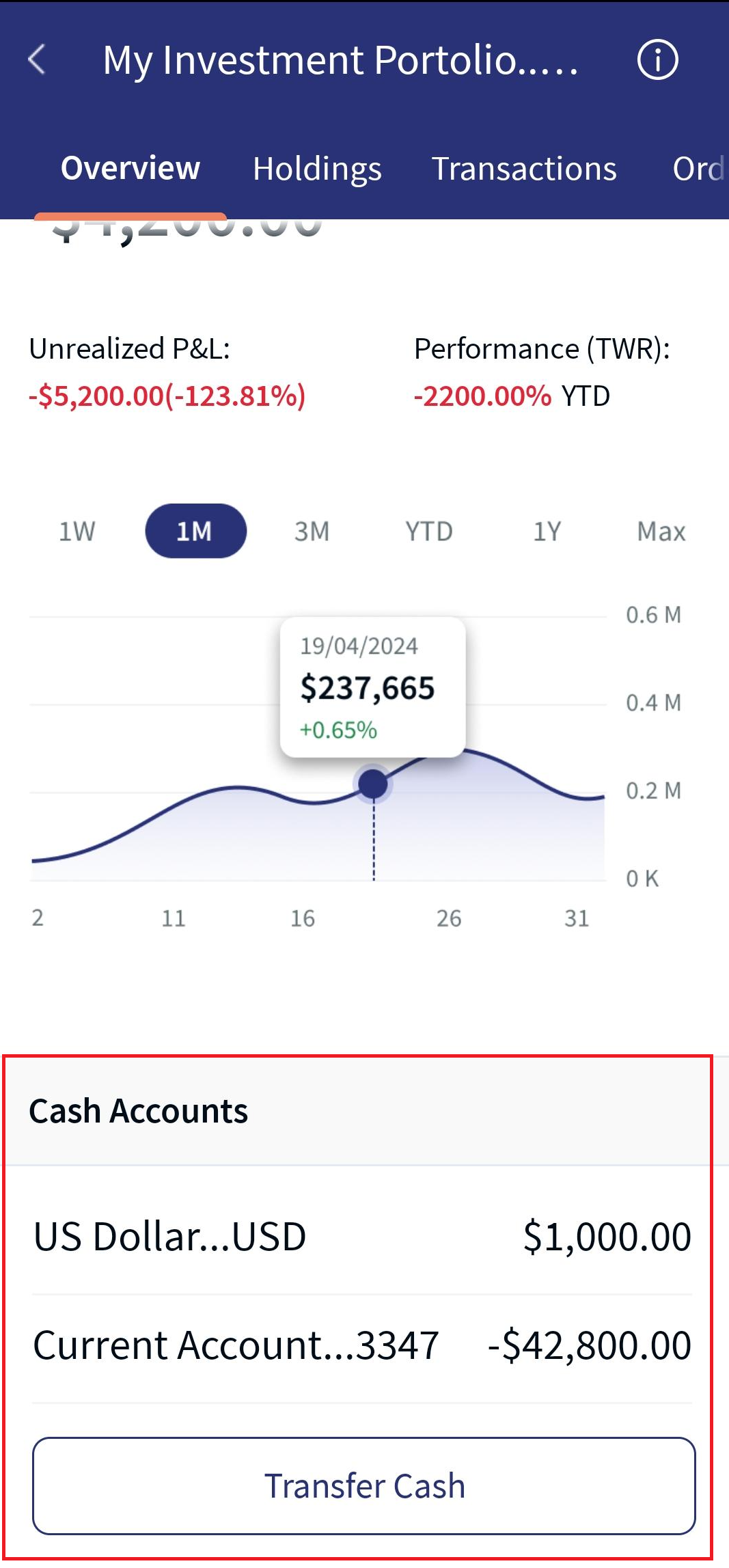
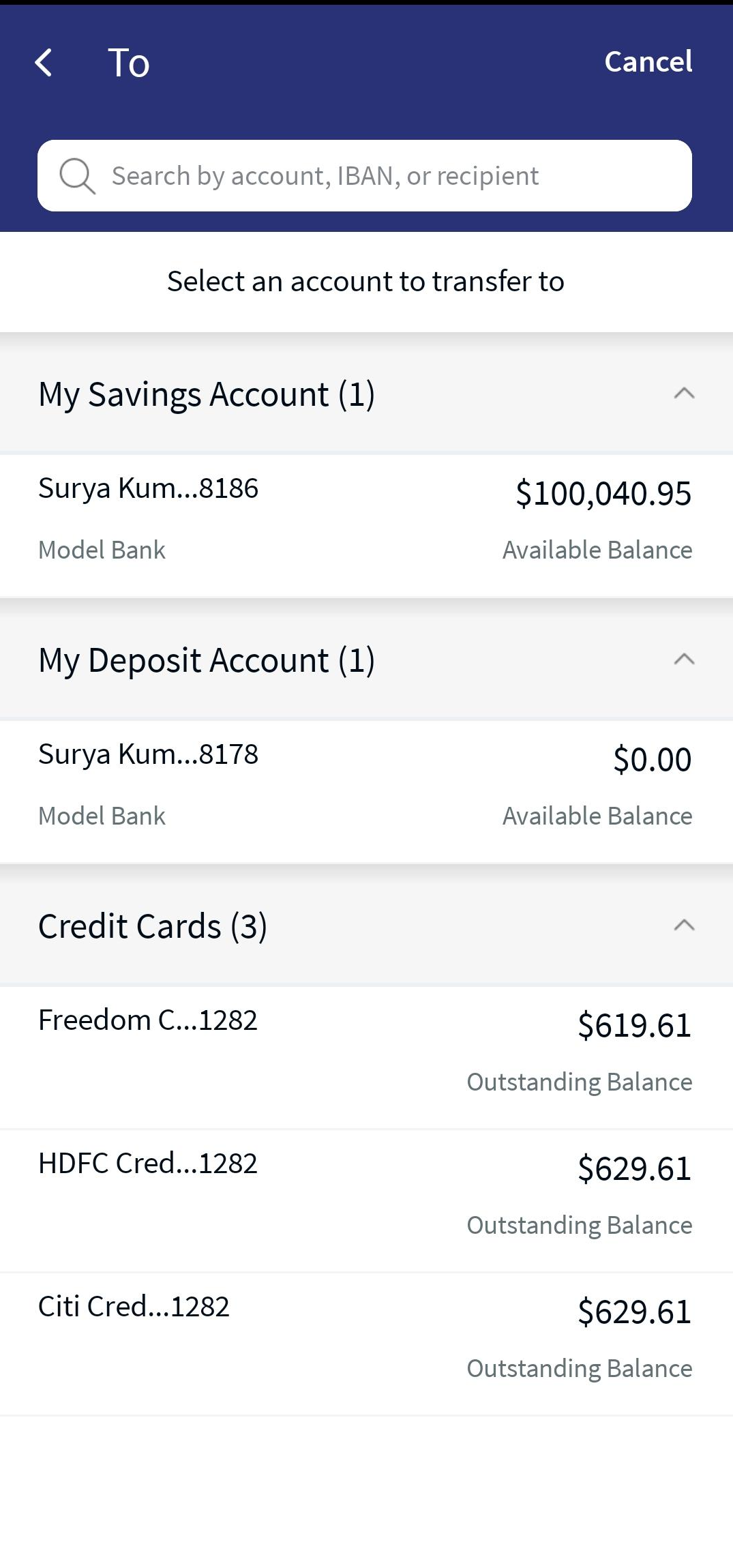
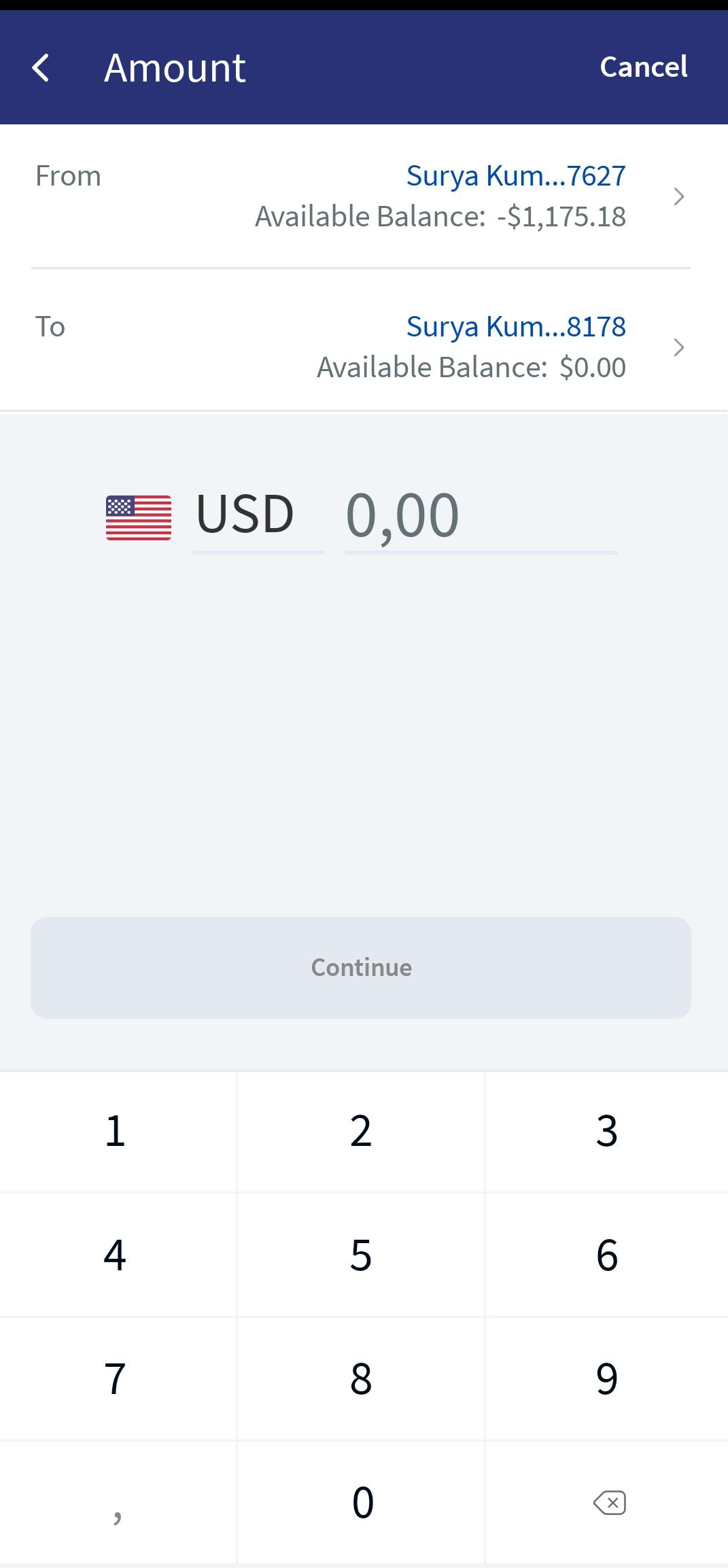
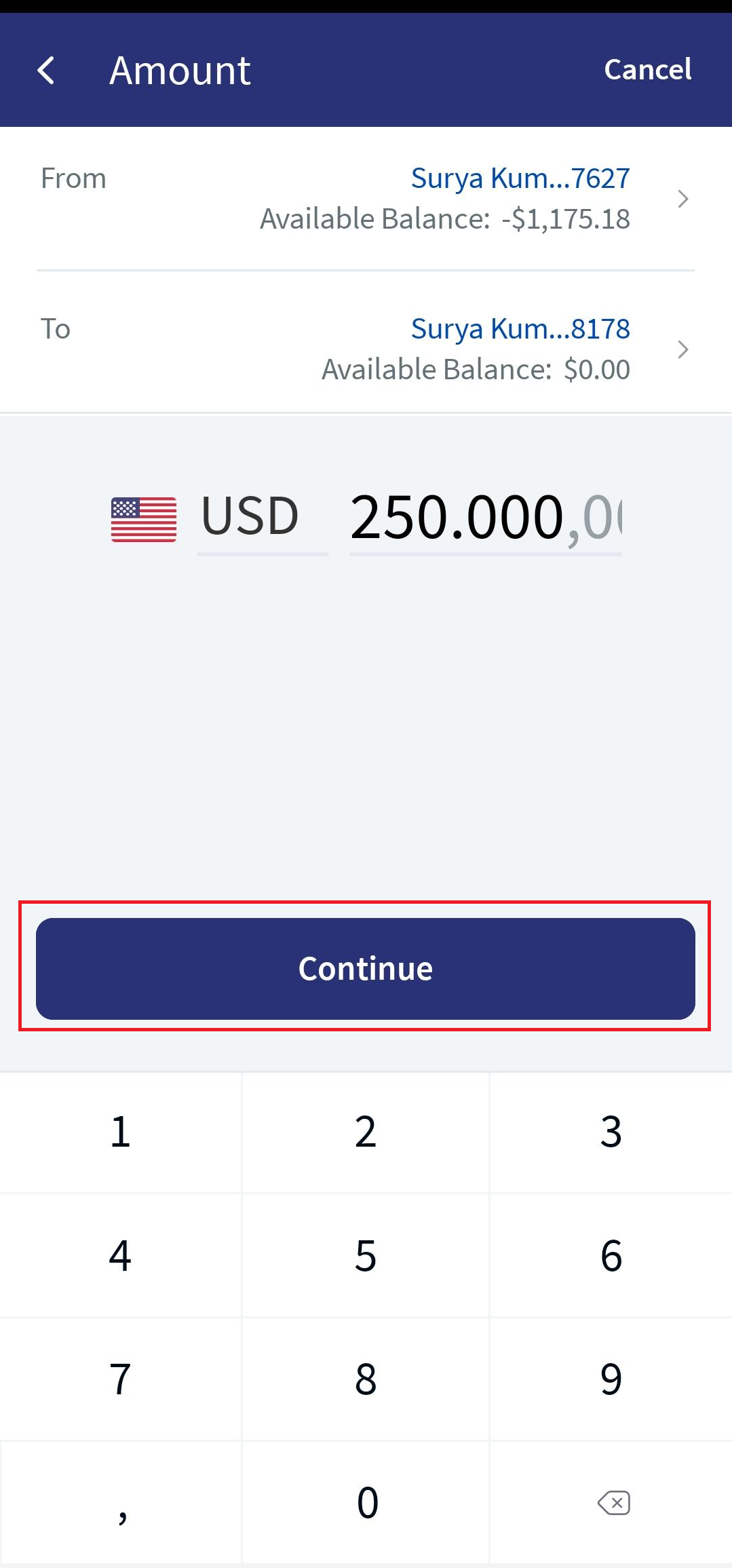
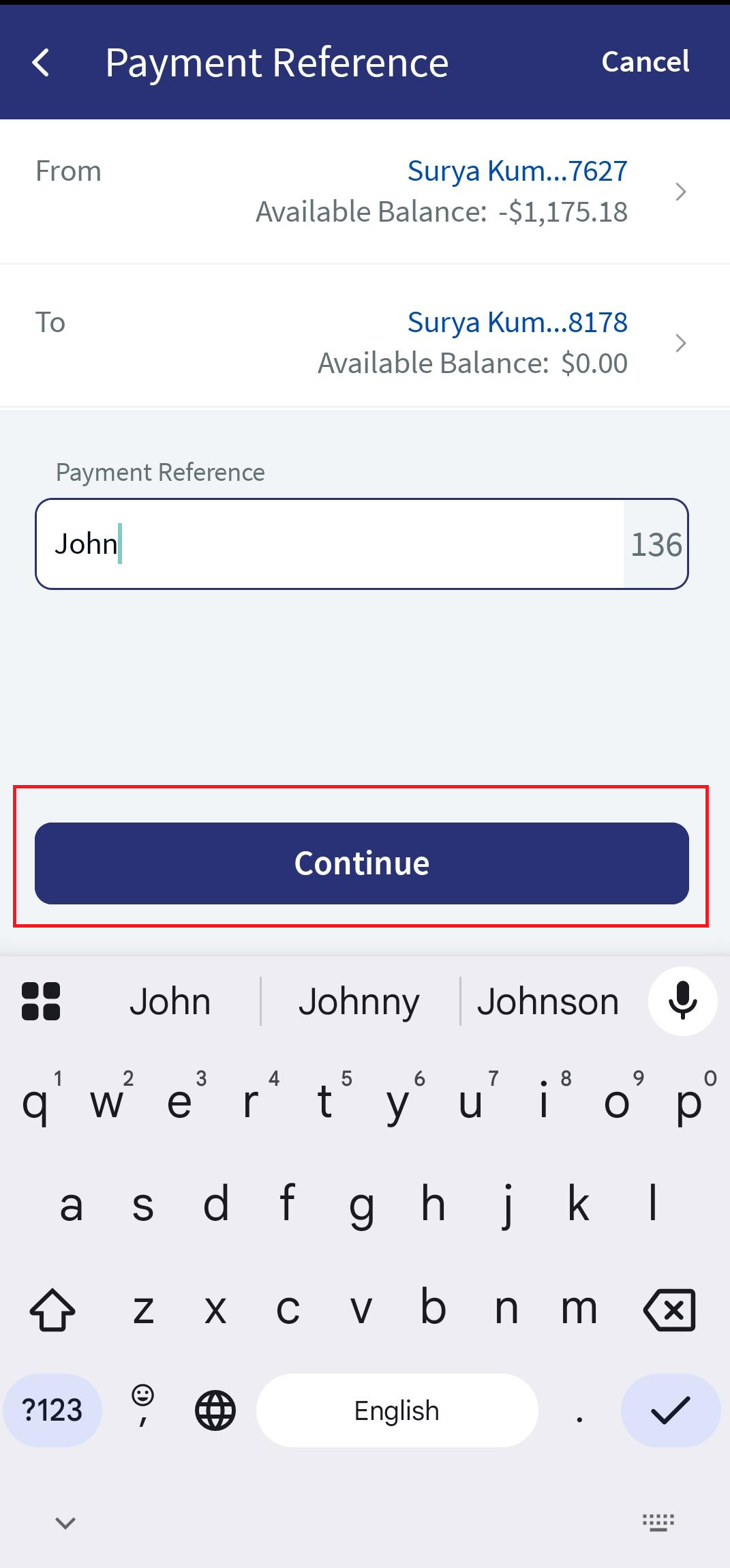
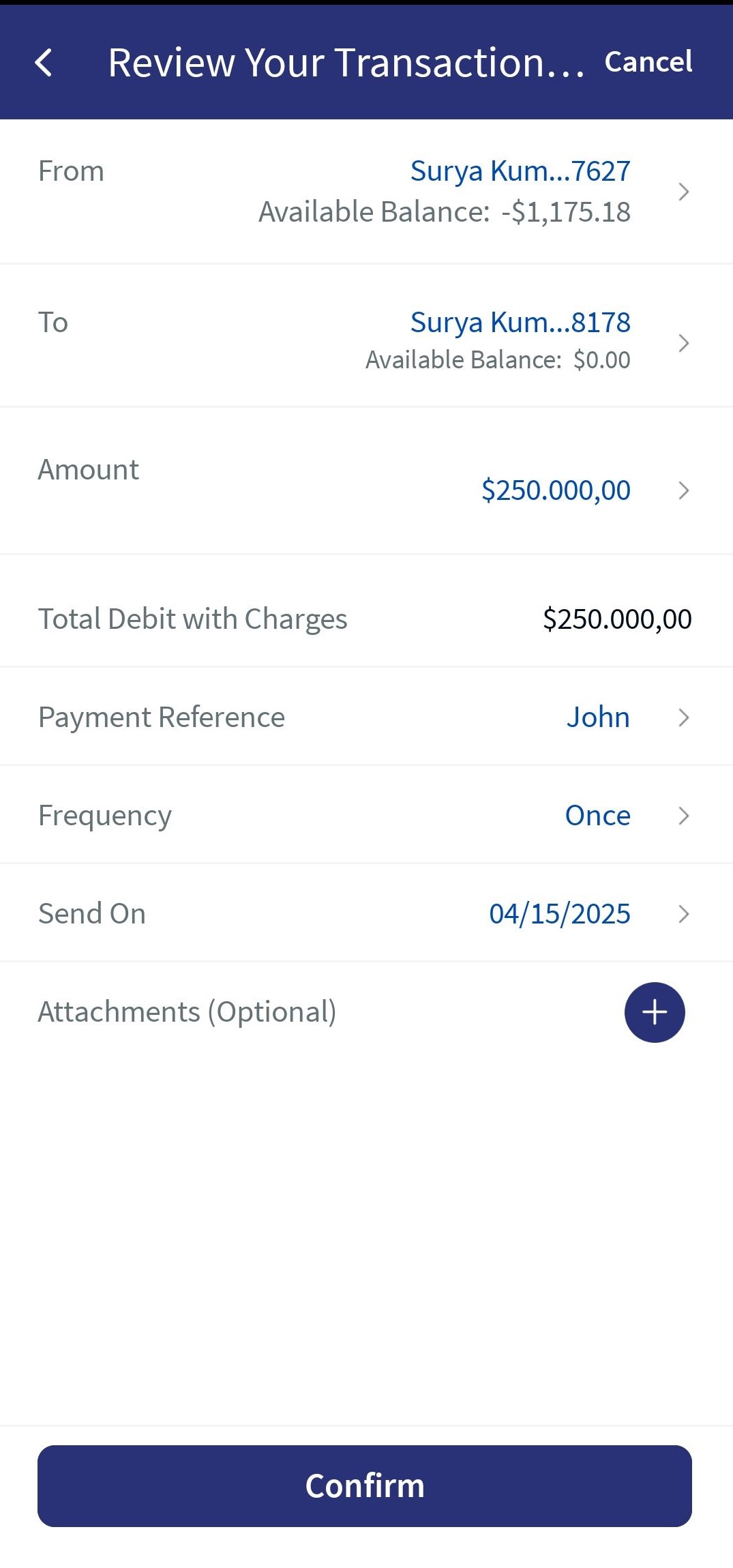
Mobile Native App:Transfer Cash feature is displayed in the Overview header tab. This feature allows you to perform cash transactions between your linked accounts or to an external bank account.
There is no change in the Transfer Cash functionality. For a detailed description, click here.
Below are the Transfer Cash functionality screenshots:


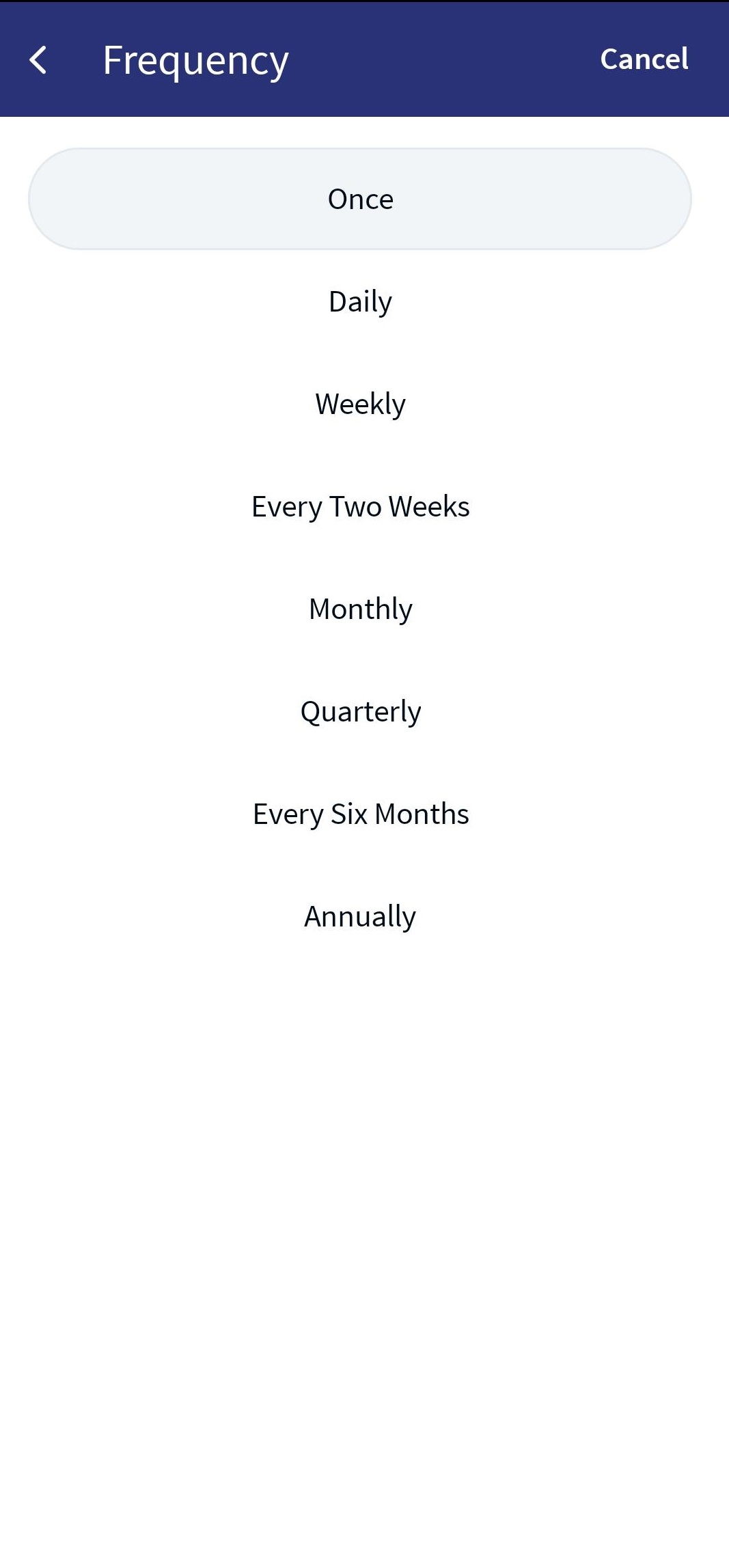
Frequency
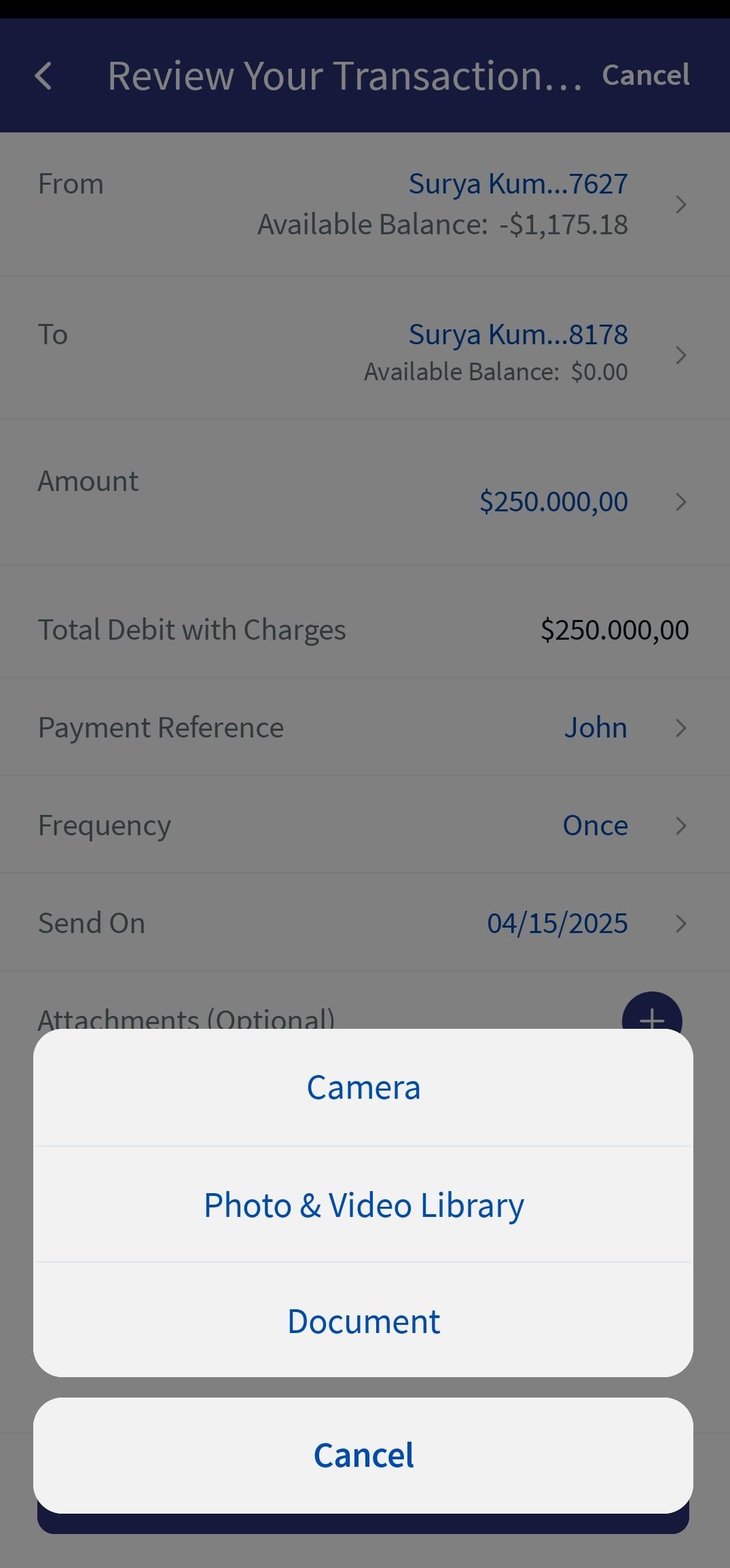
Attachments
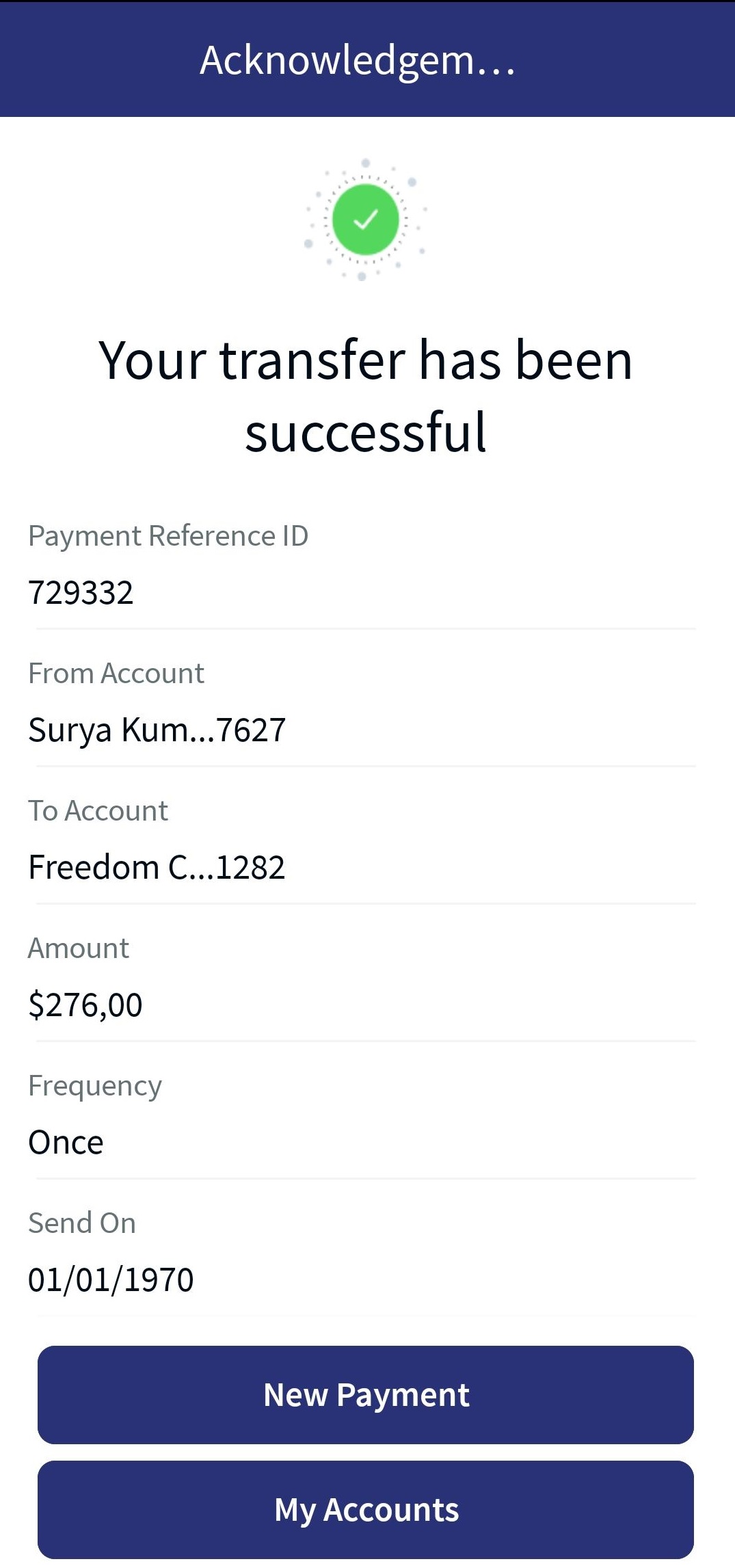
Acknowledgment
In this topic