Temenos Digital
Updated On 22 March 2025 |
Min(s) read
Review Past Proposal
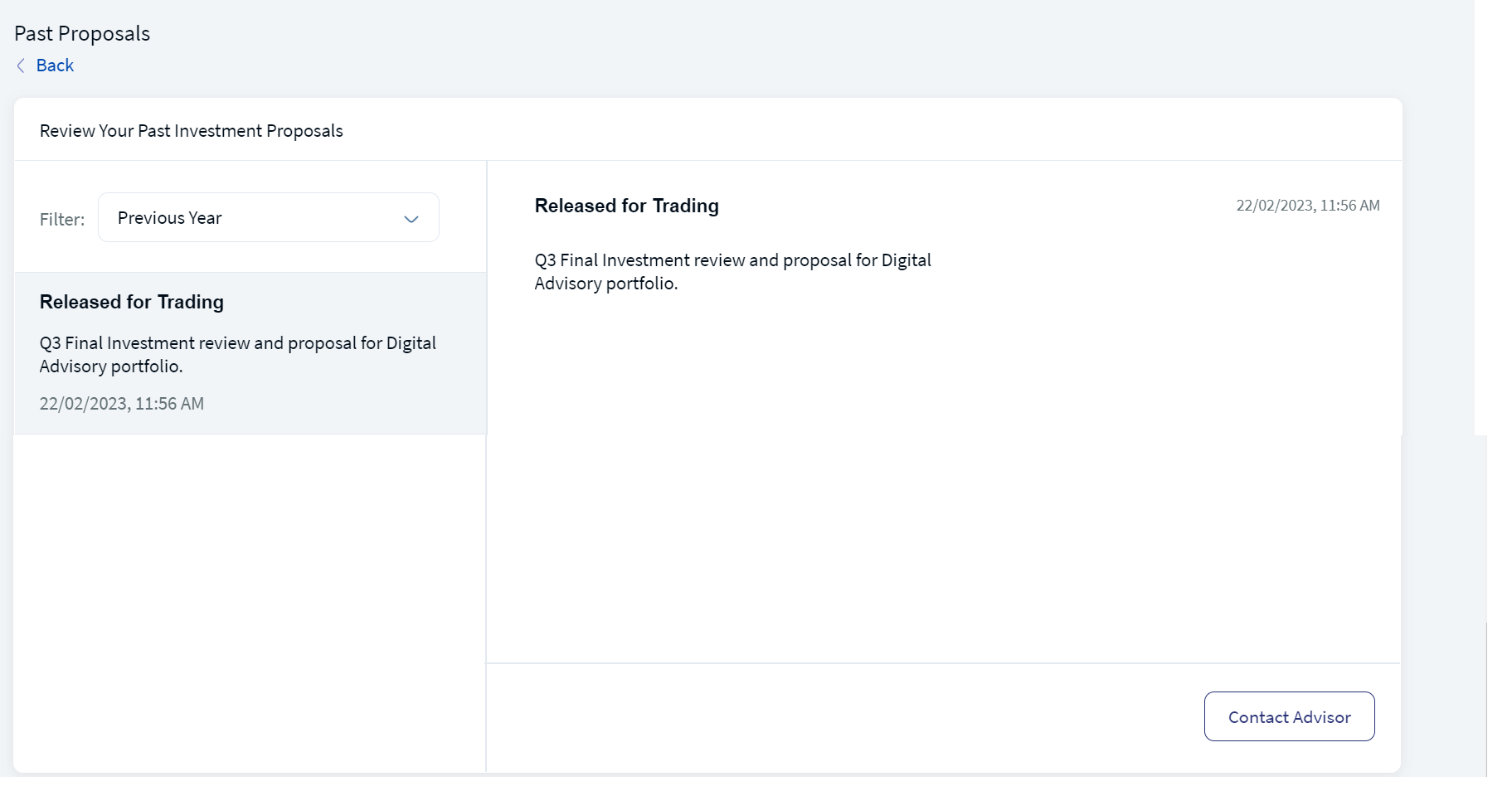
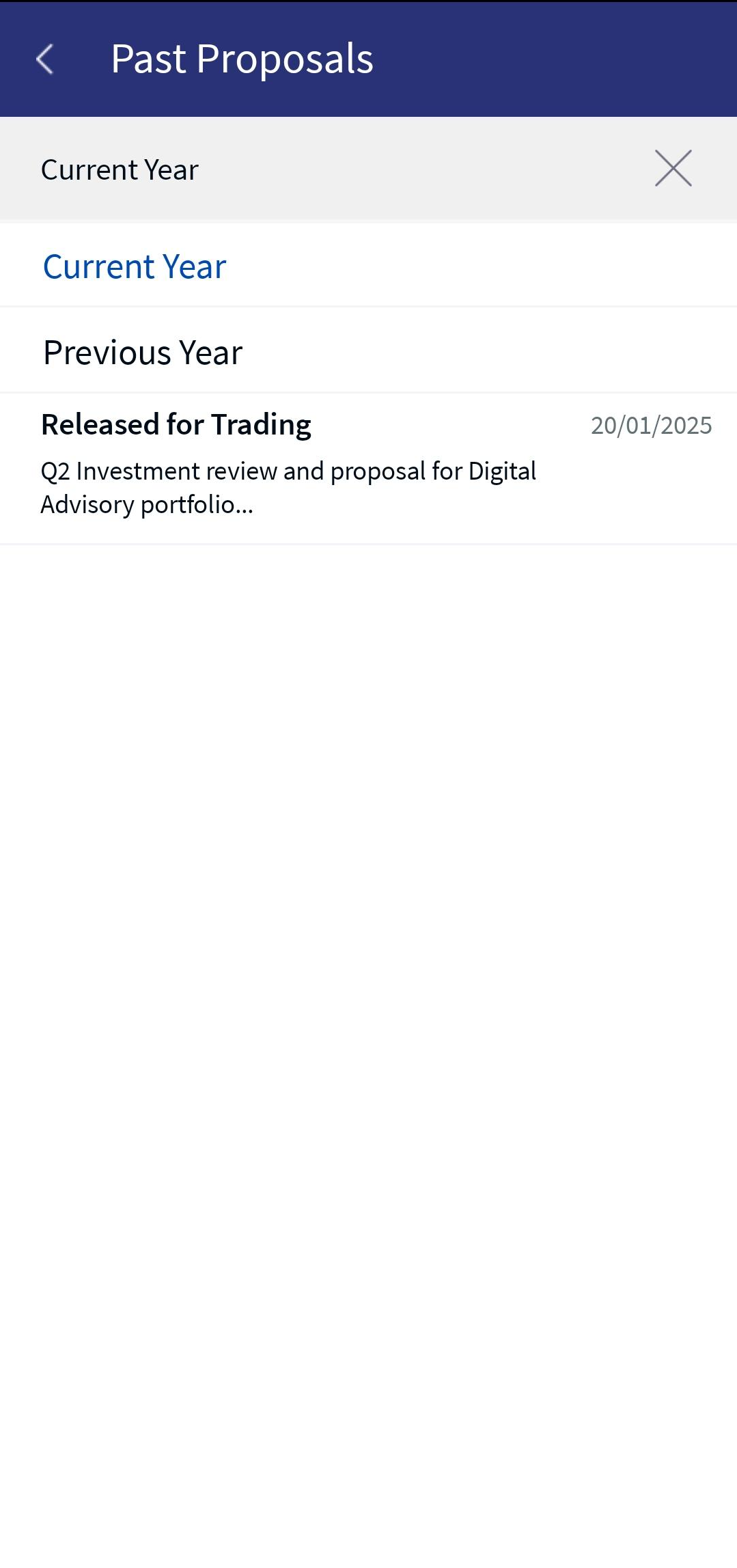
Review Past Proposal displays the list of past investment proposals. You can choose the list of past proposals available for the current year or the past year based on the selected value from the drop-down list. The list of past proposals available for the selected year is displayed.
Below is a detailed description of the user interface of the Review Past Proposal screen for the Online Banking and Mobile Native App.
Online Banking: To view detailed information on your past investment proposal, follow these steps:
- On the Investment Proposal section, click Review Past Proposal. The Review Your Past Investment Proposal screen appears.
- Apply the Filter by selecting a value from the drop-down list. Based on the selection, you can view the past proposal list.
- View your past investment portfolio details and then contact an advisor, if required. For more details on the Contact an Advisor process, click here.
Mobile Native App:To view detailed information on your past investment proposal, follow these steps:
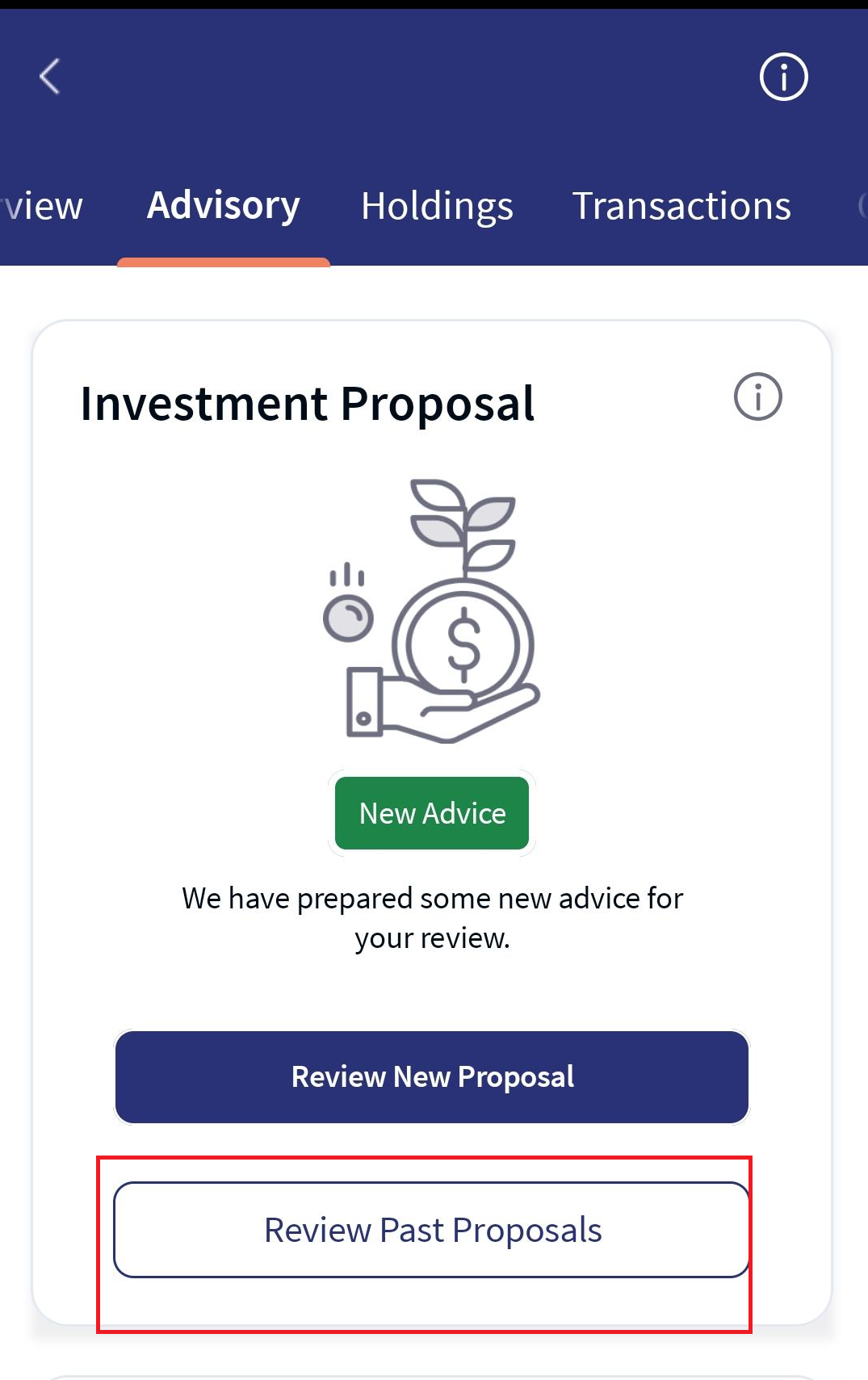
- Under the Advisory tab, go to the Investment Proposal section and click Review Past Proposal. The Past Proposal screen appears.
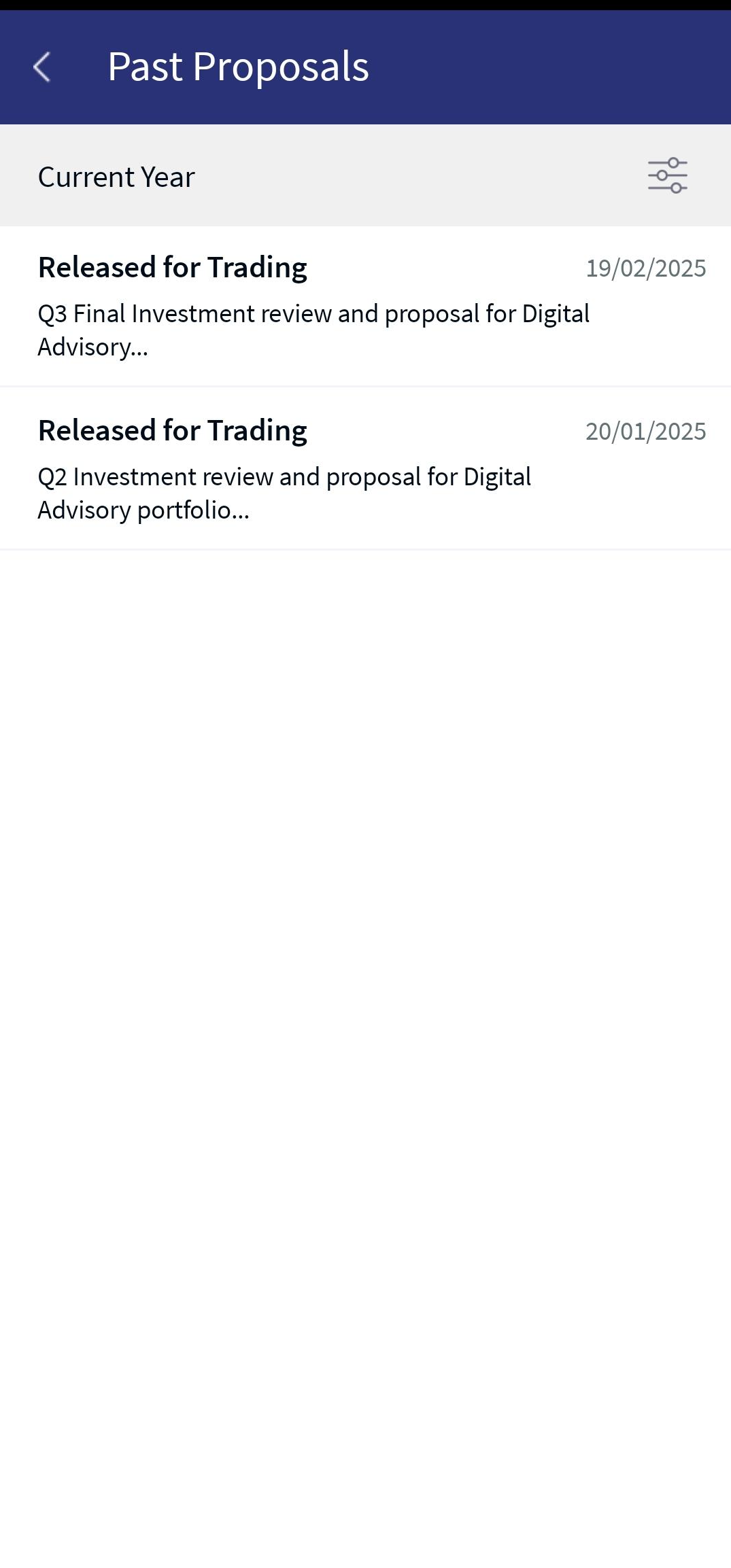
- By default, you can view your list of proposals for the current year. You can apply the advanced filter, which is present at the right-top of the screen to view previous year's proposals.
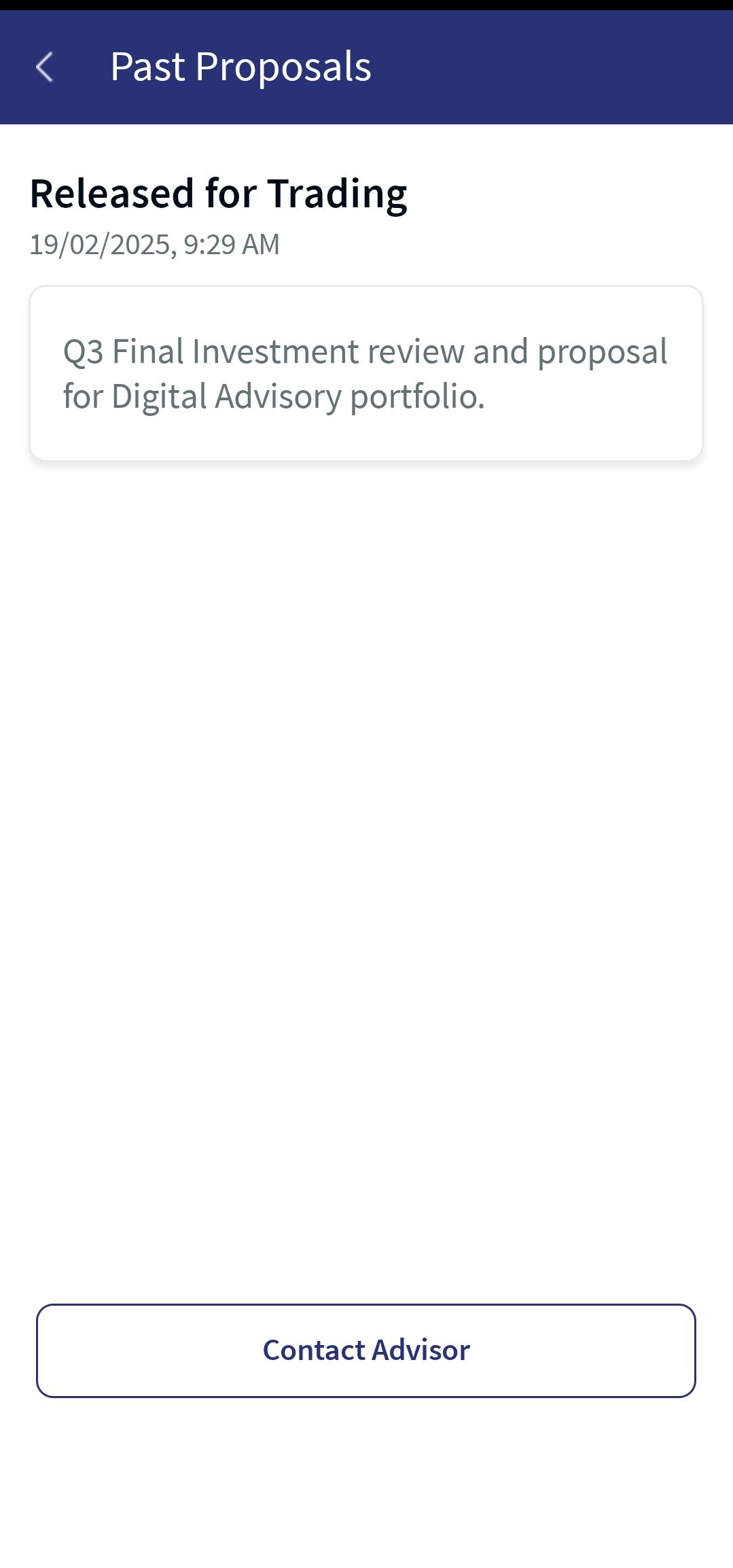
For a detailed description of the 'Contact Advisor' functionality, refer to the above Online Banking section.
In this topic